

Google Forms ticketing, without the spreadsheet
Your Google Form works. The spreadsheet behind it doesn't.
TicketStacker turns each submission into a ticket with a number, an owner and a status, and keeps the person who asked up to date. Bring your existing responses with you.
Free during the pilot · Import your Google Form responses
The do-it-yourself setup, and where it breaks
It usually goes like this: a Google Form feeds a Sheet, an Apps Script sends an email, and someone color-codes rows. It works until:
Nobody owns a row
So requests sit, and everyone assumes someone else has it.
The script stops
Someone adds a column and the confirmation emails quietly stop.
Requesters hear nothing
So they email, call or ask again.
Replies get lost
They land in someone's inbox instead of staying with the request.
No answers
“How long do these take?” costs an afternoon in pivot tables.
No history
You can't see who changed a row, or when.
How it works in TicketStacker
- 1
Build your form inside a stack
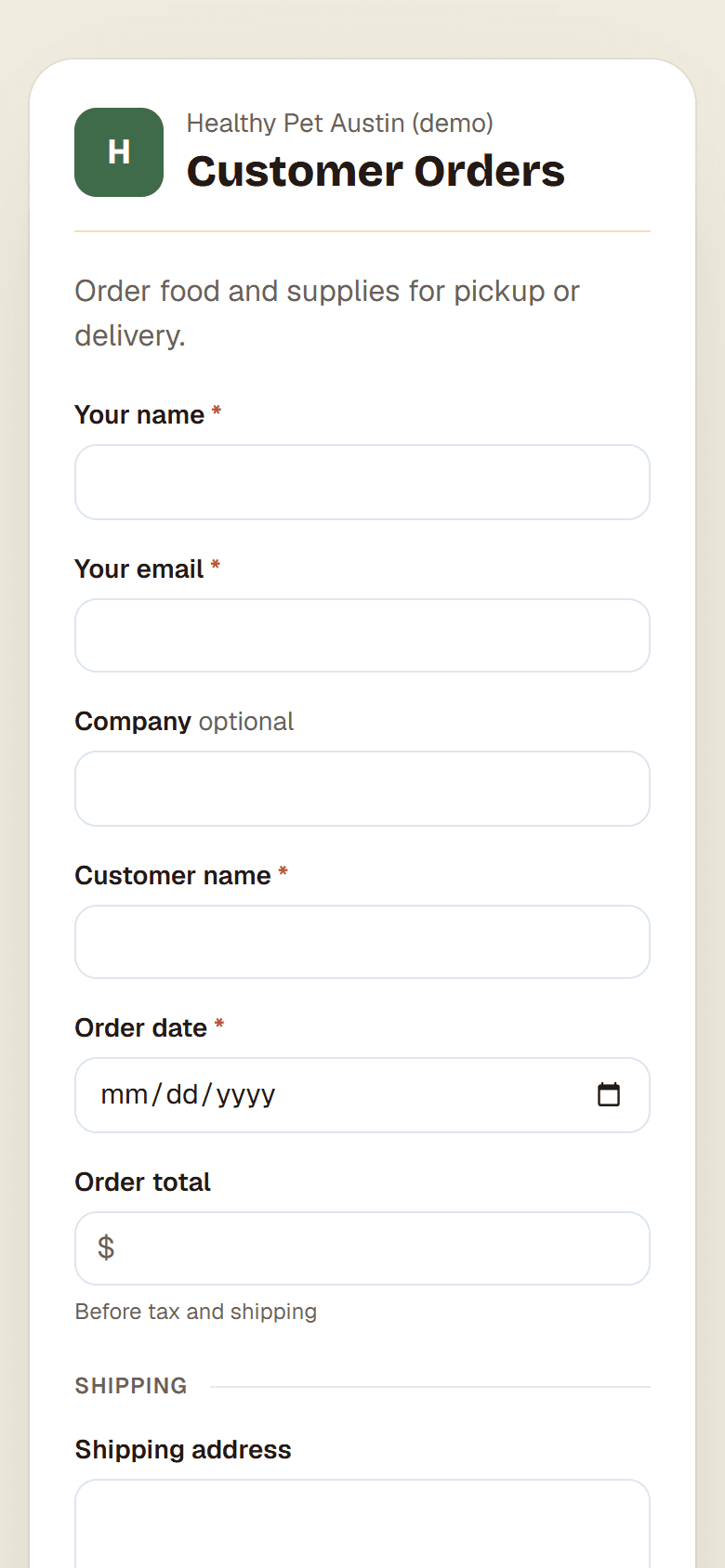
The same questions as your Google Form: required fields, dropdowns, dates and checkboxes.
- 2
Share it your way
A link, an embed on your website, or a printed QR code.
- 3
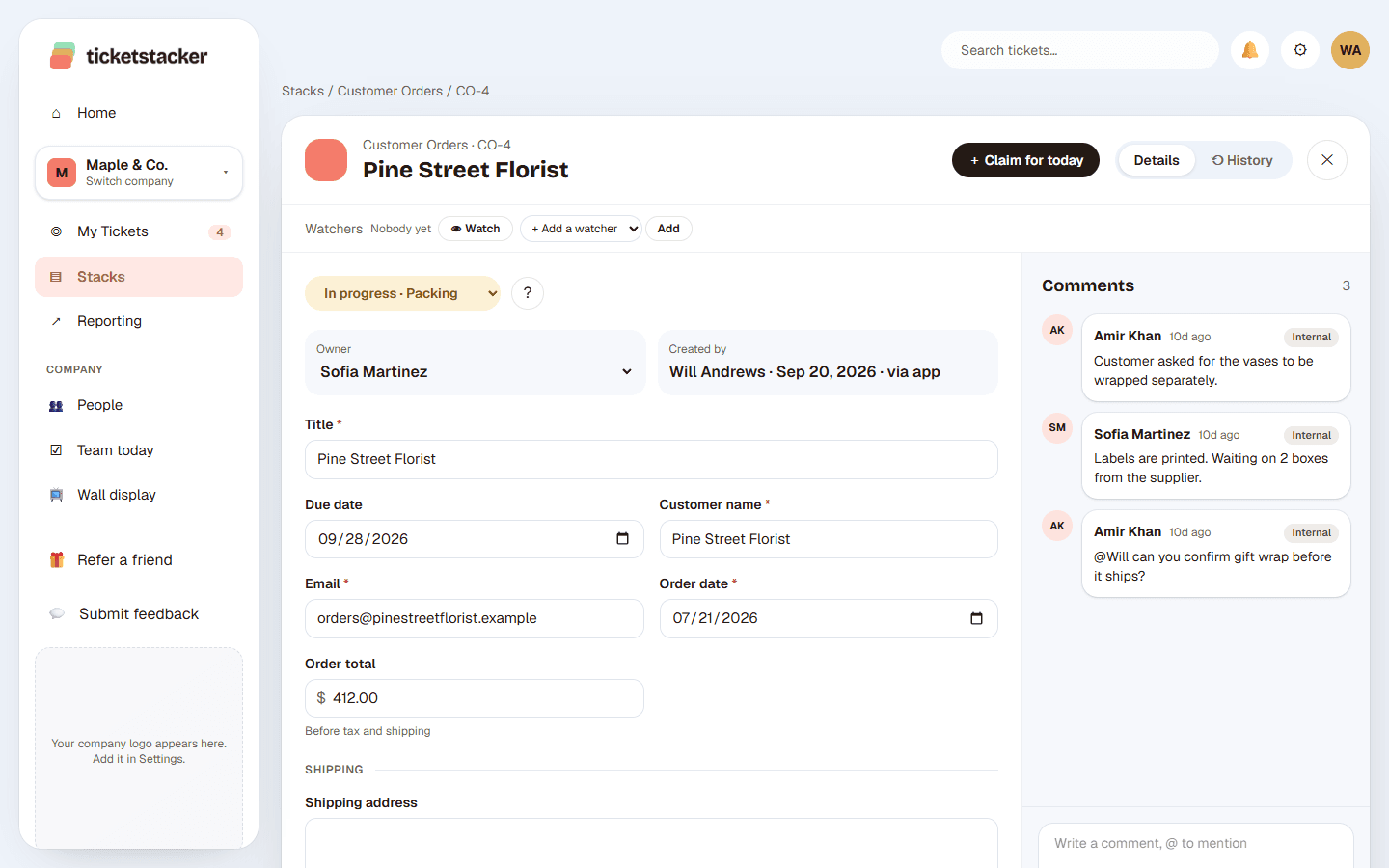
Every submission becomes a ticket
Like IT-104. The requester gets a confirmation email with a “Track your request” link.
- 4
Your team works it
On a board or a list. Steps can assign an owner and email the requester automatically.
- 5
Replies stay together
When the requester answers the email, the reply lands on the ticket.
- 6
Bring your old responses
Download them from Google Forms as a CSV and import them, with their original dates. Imports email no one.
Google Forms + Sheets vs TicketStacker
| Forms + Sheets | TicketStacker | |
|---|---|---|
| Ticket numbers | Row numbers that change when you sort | Permanent IDs (IT-104) |
| Who's handling it | An Owner column | Assigned owner, by hand or automatically |
| Status | Typed or color-coded | Steps with rules |
| Confirmation to requester | Apps Script, if it still works | Built in, with your logo |
| Requester can check progress | No | Yes, with a tracking link |
| Spam protection | Limited | Built-in bot check |
| Replies by email | Lost in inboxes | Added to the ticket |
| Reports | Pivot tables | Built in |
Or skip the form entirely. Give a stack its own email address. Anything sent to it becomes a ticket, so you can forward your existing support address to it.
Questions
Can I keep using my Google Form for now?+
Yes. Import its responses whenever you like. Most teams switch to the built-in form once they see it, because it removes the copying step.
Do requesters need an account?+
No. They fill in the form, and their tracking link signs them in with a one-time email link.
Can requesters see our internal notes?+
No. Comments are internal unless you mark one as public, and you choose which fields requesters see.
What does it cost?+
It's free during the pilot.
See how it works, step by step
- How-to guide · 30 minutesTurn Google Forms responses into ticketsReplace a Google Form and its response sheet with a form that creates tickets, assigns them and replies to the sender.
- Help articleForm fields: show, pre-fill, hidePre-fill a field, hide it with a fixed value, or fill it from the link, so one stack can serve every store, machine or campaign.
- Help articleAfter sending: thank-you message or your own pageShow a thank-you message, or send people to a page on your own website once they've sent the form.