

Google Tasks and kanban for teams
Your to-do list is for your team. Requests need a front door.
Google Tasks, and the kanban boards built on it, are great for your own to-dos. When customers, tenants and coworkers send you work, TicketStacker gives them a form, a QR code and an email address, and gives your team a board with the fields, steps and updates requests need.
Free during the pilot · Works with or without Google accounts
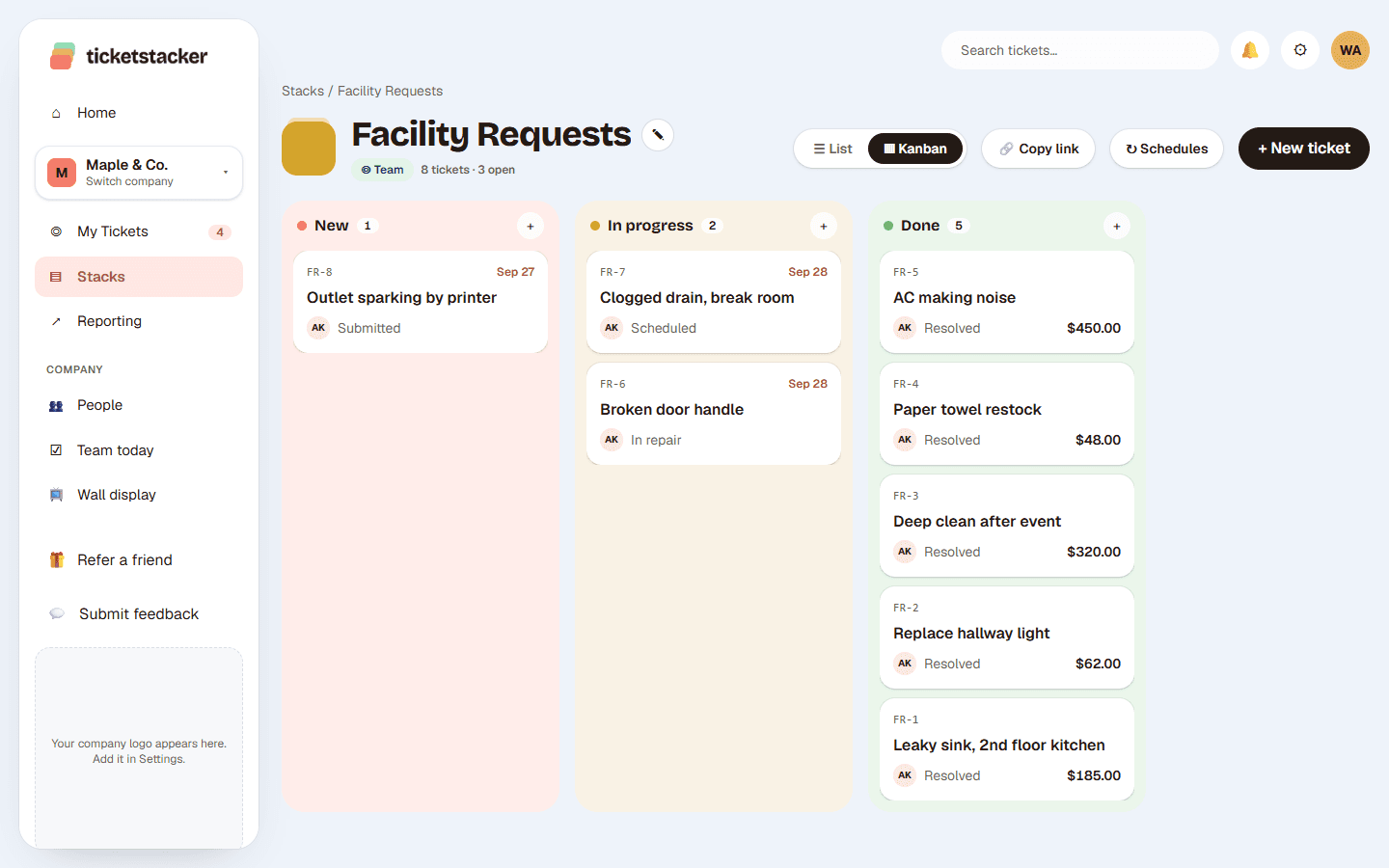
A task list vs a request system
| Google Tasks + a kanban add-on | TicketStacker | |
|---|---|---|
| Who adds work | Your team, by hand | Anyone: a form, QR code, email address, or your team |
| What a card holds | Title, notes, due date, labels | The fields you choose: location, cost, photos, order total… |
| How work moves | Drag it anywhere | Steps with rules, like no “Resolved” without a cost |
| The person who asked | Hears nothing unless you email them | Gets a confirmation and updates, and can track it |
| Ticket numbers and history | No | Every request gets an ID and a full history |
| Reports | No | Opened vs closed, time in each step, totals |
| Who can use it | People with Google accounts | Anyone, on any phone or browser |
Keep what you like about the board
Drag and drop
Every stack has a kanban board, plus a list view with filters.
Due dates that remind people
Each person's Home shows what's due soon and what's overdue.
Simple enough for everyone
One idea (stacks of tickets moving through steps) that new staff get in minutes.
Set up in an afternoon
- 1
Pick a template
Facility requests, Customer orders, IT help, Purchase requests and more, with fields and steps ready.
- 2
Open the front door
Turn on the web form, print the QR code, or give the stack its own email address.
- 3
Bring your list
Export your tasks to a spreadsheet and import the CSV. Nothing emails anyone during an import.
Questions
Do I have to stop using Google Tasks?+
No. Keep it for personal to-dos. Use TicketStacker for the requests other people send your team.
Can we sign in with Google?+
Yes. Your team can sign in with Google, Microsoft or an email and password, and requesters don't need an account at all.
Is there a kanban board?+
Yes. Every stack has a board and a list, and cards can only move when their step's rules are met.
What does it cost?+
It's free during the pilot, and pricing will stay simple when we launch.
See how it works, step by step
- Help articleToday's StackPick what you'll get done today, check it off as you go, and see what your team is working on.
- How-to guide · 15 minutesGet hourly staff on board without work emailsJoin codes, store locations and Today's Stack: bring in a front-line team that has never had a company email.
- How-to guide · 10 minutes a weekA 10-minute weekly reviewA short Monday routine with your reports that catches stuck work early and shows where your process needs a tweak.