

Features / Your own fields, steps and rules
Stacks: fields, steps and rules
Every kind of request, handled its own way
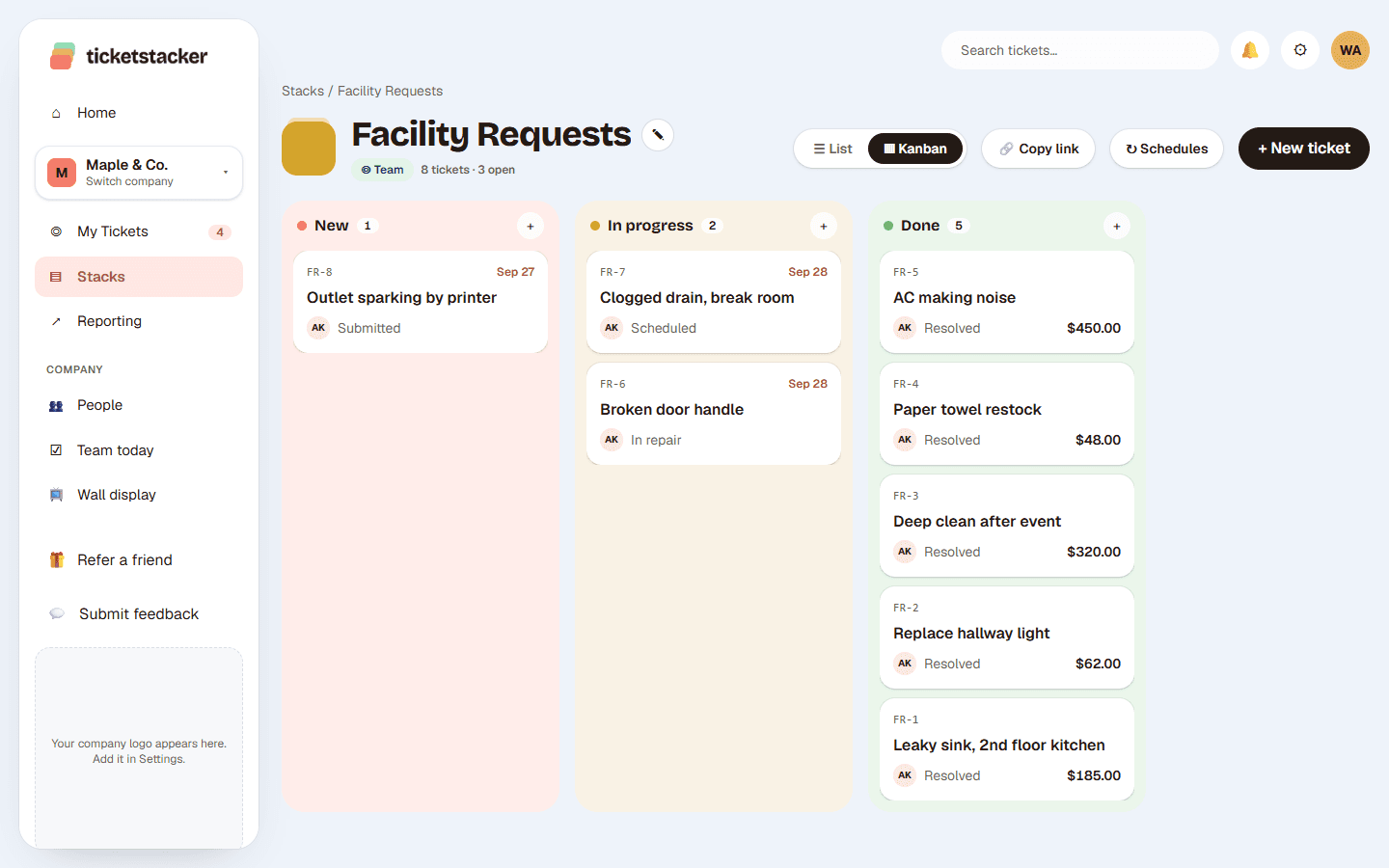
A repair isn't a supply order. In TicketStacker each kind of work gets its own stack, with the fields, steps, rules and emails it needs. Start from a template and change anything.
Free during the pilot
What you get
Fields that fit
Text, dropdowns, dates, money, photos, people, locations and more, chosen for each stack.
Your own steps
New, Scheduled, Waiting on parts, Done: name them the way your team talks.
Rules before moving on
Require a cost before Resolved or a manager before Approved, so your reports can be trusted.
Automatic actions
Assign an owner, set a field or send an email when a ticket enters a step. Call a webhook to reach other apps.
Reminders
Nudge the owner when a ticket sits too long in a step, or when a due date is coming up.
Who can see what
Keep a stack private to the people who work it, and give others view-only access.
Set up a stack in seven short steps
- 1
Name
Name it, pick an icon and a ticket prefix.
- 2
Fields
Choose what to ask and what to track.
- 3
Getting in
Turn on the web form, QR code or email address.
- 4
Stages
Lay out the steps work moves through.
- 5
Rules
Decide what has to be true before a ticket moves on.
- 6
Automations
Owners, emails, reminders and webhooks for each step.
Questions
Do I have to build a stack from scratch?+
No. Start from a template like Facility requests, Purchase requests, IT help or Time off, then change whatever you like.
Can different stacks have different people?+
Yes. Each stack has its own owners, managers and members, and private stacks only show to the people you add.
Can tickets move between stacks?+
Yes. Move a ticket to another stack and its fields, comments and files come with it.
Can I copy a stack?+
Yes. Clone a stack, including to another company you run.
See how it works, step by step
- Help articleThe stack editorA quick tour of the seven steps, plus how drafts and publishing keep your team's work safe while you make changes.
- Help articleStep rules (requirements)Make sure the right information is filled in before a ticket moves on or closes, so your records and reports are complete.
- Help articleAutomatic actionsLet a step assign the owner, fill in a field or call another system, so routine busywork happens by itself.
Goes well with
- Web forms and QR codesA branded form for each kind of request: link it, embed it or print it as a QR code.
- Reports and dashboardsCharts in your brand colors, dashboards from templates, and a scorecard by email.
- API, webhooks and integrationsA public API, webhooks, Zapier and a connector for your own AI assistant.
Try it with your own requests
Free while we build TicketStacker with a small group of businesses.