

Features / Web forms and QR codes
Web forms and QR codes
A front door for every kind of request
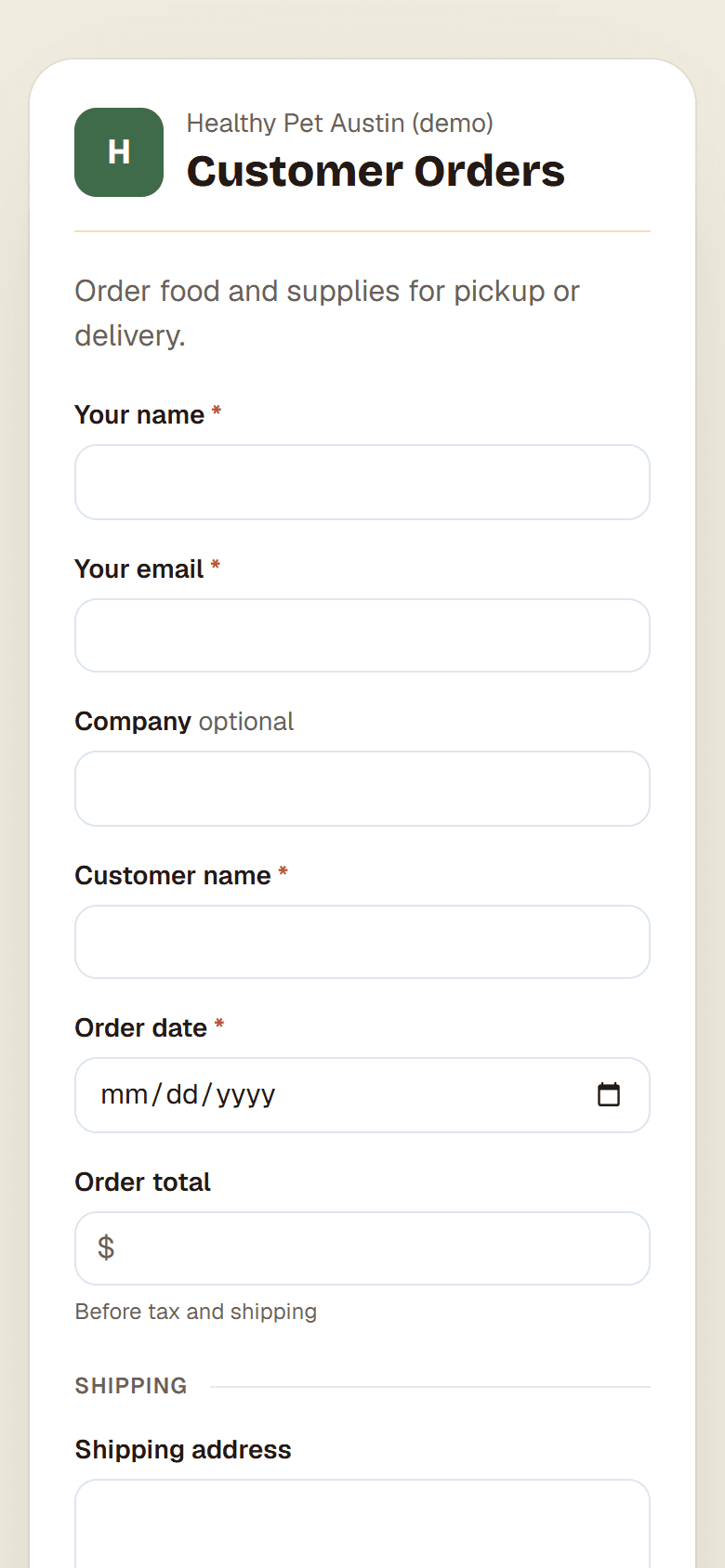
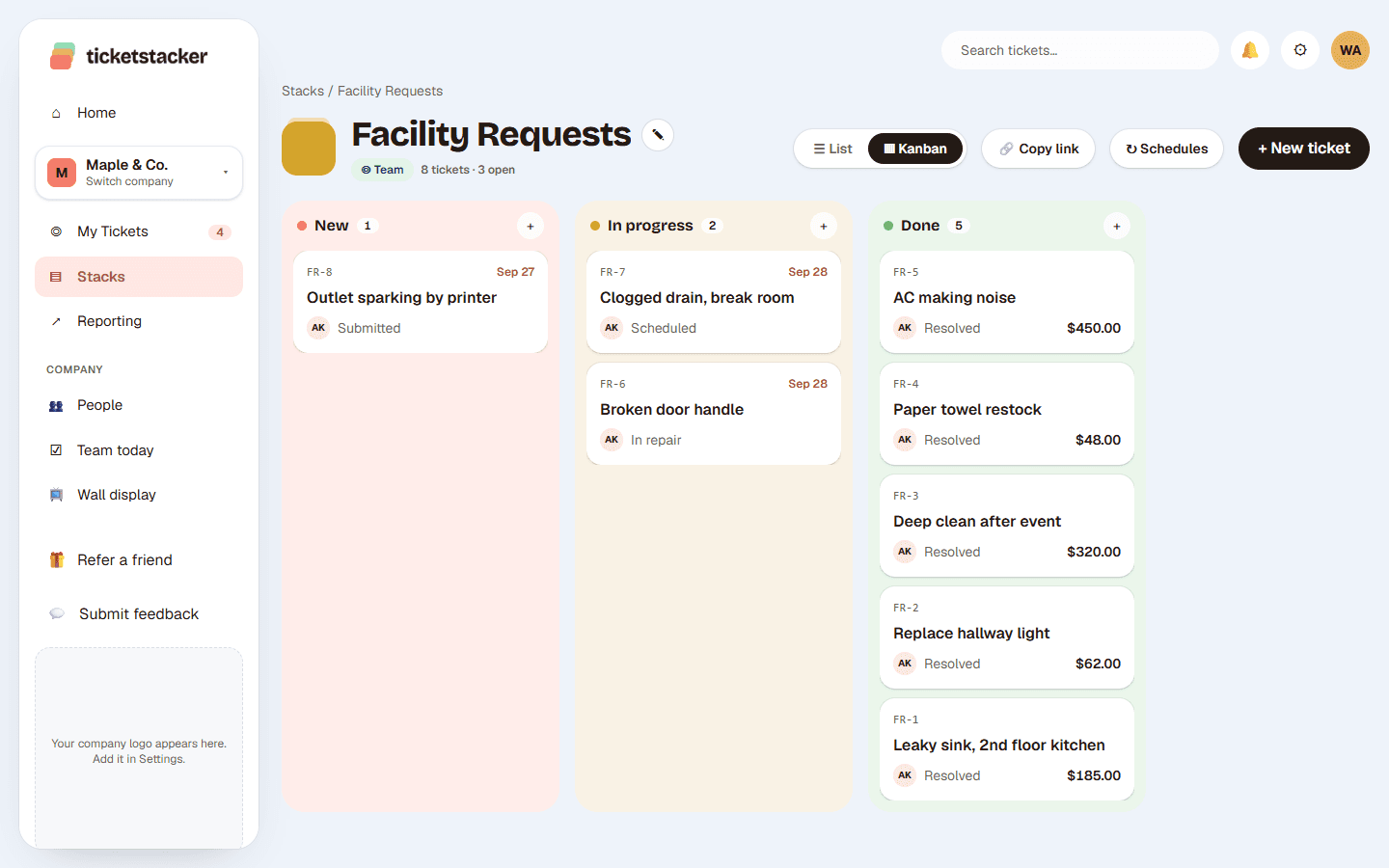
Each stack comes with its own branded form. Share the link, put it on your website or print a QR code for the wall. Every submission becomes a ticket with a number and an owner.
Free during the pilot
What you get
Your logo and colors
Forms carry your branding and work on any phone. No app to install and no account to create.
The right questions
Each form shows the fields for that kind of request: location, urgency, photos, quantities. Hide fields, fill them in from the link or give them a fixed value.
QR codes for every spot
Print a code for the break room, each store or each machine. A code can fill in the location for you, so reports group by place.
On your website
Copy a few lines of code to embed the form on your own site. It sizes itself to fit.
Photos and files
Let people attach photos of the leak or the broken part, straight from their phone camera.
Spam protection
A built-in bot check and limits keep junk out of your stacks.
From scan to done
- 1
Scan or click
The form opens in the phone's browser with your logo.
- 2
Send
They answer a few questions. About 30 seconds.
- 3
Ticket
It arrives as a numbered ticket, assigned by your rules.
- 4
Updates
They get an email when it's picked up and when it's done, and a page to check its status.
Questions
Do people need an account to send a request?+
No. Anyone with the link or QR code can send one. They get a confirmation email and a link to check its status.
Can I have different forms for different requests?+
Yes. Each stack has its own form, so repairs, supply orders and time-off requests each ask their own questions.
Can one form have a code for each location?+
Yes. Make a link for each location that fills in the Location field, and print each as its own QR code.
What do people see after they send it?+
A thank-you message or a page of your choice. Embedded forms can send people to another page on your site.
See how it works, step by step
- Help articleWeb formsGive a stack a public request form, so customers and coworkers can ask without an account and every request lands as a ticket.
- Help articleQR codes and website embedsDownload a QR code for flyers and counters, or paste the form into your own website with one line of code.
- How-to guide · 20 minutesTake repair requests with a QR codePut a QR code by the equipment or the back door, and turn "hey, the sink's leaking" into a ticket with a photo, a location and an owner.
Goes well with
- Email to ticketEach stack gets its own address. Emails become tickets, and replies stay on the same ticket.
- Your own fields, steps and rulesStacks with the fields, steps, rules and automatic emails each kind of work needs.
- Equipment and asset trackingEvery piece of equipment with a QR label and a repair log. Scan it to report a problem.
Try it with your own requests
Free while we build TicketStacker with a small group of businesses.